5 Best AI Tools for Architectural Visualization
Explore the 5 best AI tools for architects and interior designers. Generate stunning 3D renders and floor plans using the latest AI technology.
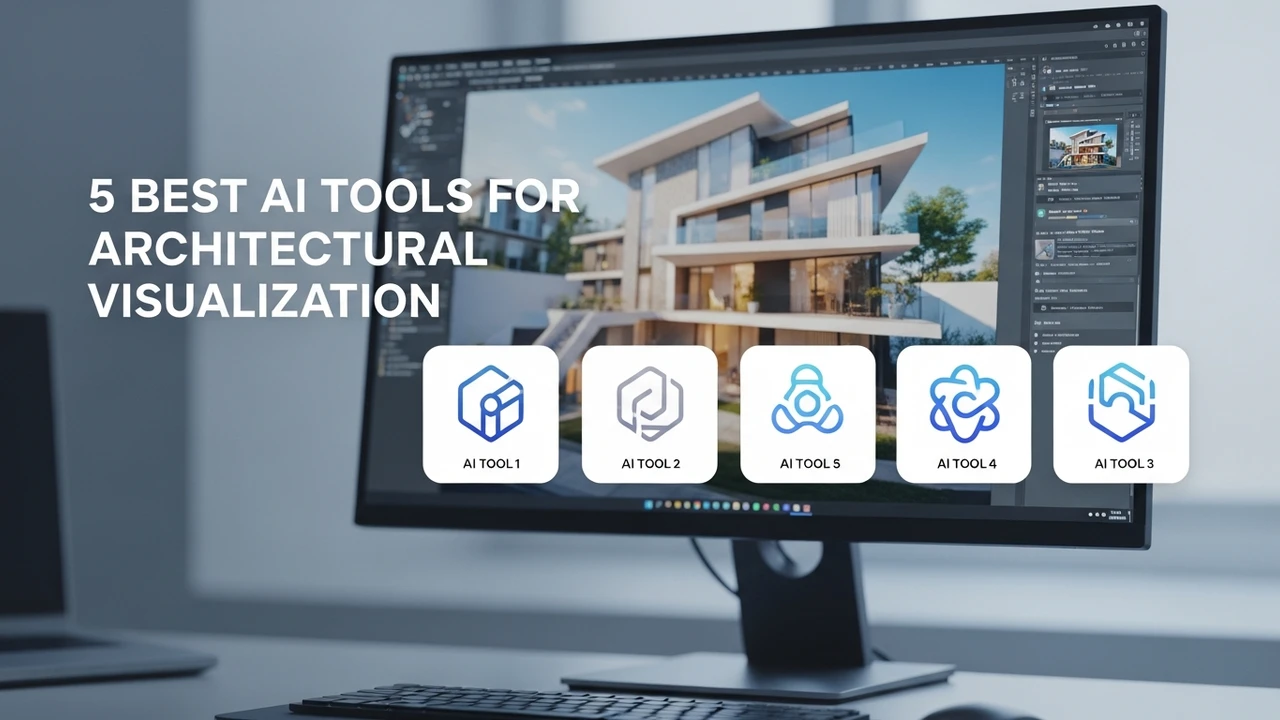
Explore the 5 best AI tools for architects and interior designers. Generate stunning 3D renders and floor plans using the latest AI technology.
5 Best AI Tools for Architectural Visualization
If you are an architect or an interior designer, you know that the visualization phase is often the most time-consuming part of the project. You spend hours tweaking lighting, adjusting textures, and waiting for high-quality renders to finish. But what if you could cut that time down to minutes? AI has completely changed the game for architectural visualization, allowing professionals to turn simple sketches or 2D floor plans into photorealistic 3D renders almost instantly. In this guide, we are going to dive into the top 5 AI tools that are currently leading the industry and helping designers stay ahead of the curve.
Top AI Architectural Rendering Software for Photorealistic Results
When we talk about architectural visualization, we are looking for tools that understand depth, material properties, and lighting physics. The first tool on our list is LookX AI. This platform is specifically trained on architectural datasets, which makes it incredibly accurate when it comes to building structures and urban environments. Unlike general-purpose image generators, LookX understands the difference between a load-bearing wall and a decorative partition. It is perfect for early-stage conceptualization where you need to show a client multiple design variations in a single afternoon.
Next up is Veras by EvolveLAB. This is a game-changer because it works as a plugin directly inside Revit, SketchUp, and Rhino. You don't have to export your model to a different software; you just run the AI inside your existing workflow. It takes your current 3D model and applies AI-generated textures and lighting based on your prompts. It is incredibly fast and keeps your design intent intact while elevating the visual quality to a professional level.
AI Tools for Interior Design and Floor Plan Generation
If your focus is more on interior spaces, Interior AI is a must-try. It allows you to upload a photo of an empty room and instantly see it furnished in various styles, from Scandinavian minimalism to industrial chic. It is a fantastic tool for staging properties or helping clients visualize how their space could look with different furniture layouts. The interface is very intuitive, making it accessible even if you aren't a 3D modeling expert.
For those who need to generate floor plans from scratch, Planner 5D has integrated powerful AI features that allow you to sketch a rough layout and have the AI suggest furniture placement and room dimensions. It is great for quick space planning and ensuring that your designs are functional before you move into the detailed modeling phase.
Comparing AI Architectural Tools and Pricing Models
Choosing the right tool depends on your specific needs. If you are a heavy Revit user, Veras is the clear winner because of its seamless integration. If you are doing high-end conceptual design, LookX offers more creative freedom. Let's look at the pricing. Most of these tools operate on a subscription model. LookX typically starts around $30 per month for professional tiers, while Veras offers a tiered subscription starting at roughly $40 per month. Interior AI is often more affordable, with plans starting as low as $29 per month for unlimited renders.
When comparing these, consider the learning curve. Veras is very easy to pick up if you already know CAD software. LookX requires a bit more practice with prompt engineering to get the exact results you want. If you are working on a tight budget, start with the free trials that most of these platforms offer. They usually give you a handful of credits to test the quality of the output before you commit to a monthly fee.
Practical Use Cases for AI in Architecture
Think about the last time you had to present a project to a client. You probably had one or two high-quality renders that took days to produce. With these AI tools, you can generate ten different lighting scenarios or material palettes in the time it takes to grab a coffee. This allows for a much more collaborative process. You can sit with your client, change the flooring material or the window placement in real-time, and show them the result immediately. This level of interactivity builds trust and helps you land more projects.
Another great use case is for real estate marketing. If you have a listing that is currently under construction or just an empty shell, you can use these tools to create 'virtual staging' images that look like high-end photography. It is a cost-effective way to market properties without needing to hire a professional photographer or buy physical furniture for a staging shoot.
Final Thoughts on Choosing Your AI Design Stack
The key to success with these tools is to treat them as assistants rather than replacements for your design skills. They are there to handle the heavy lifting of rendering and texture mapping so you can focus on the big-picture design decisions. As these tools continue to evolve, we expect to see even tighter integration with BIM software and more advanced physics-based rendering capabilities. Keep experimenting with different prompts and workflows, and don't be afraid to combine multiple tools to get the best result. Whether you are a solo freelancer or part of a large firm, integrating AI into your architectural visualization workflow is no longer optional—it is the new standard for staying competitive in the industry.
:max_bytes(150000):strip_icc()/277019-baked-pork-chops-with-cream-of-mushroom-soup-DDMFS-beauty-4x3-BG-7505-5762b731cf30447d9cbbbbbf387beafa.jpg)