3 Best AI Art Generators for Mobile Devices
Create art on the go with the 3 best AI image generator apps for iOS and Android. Compare performance, features, and user interface design.
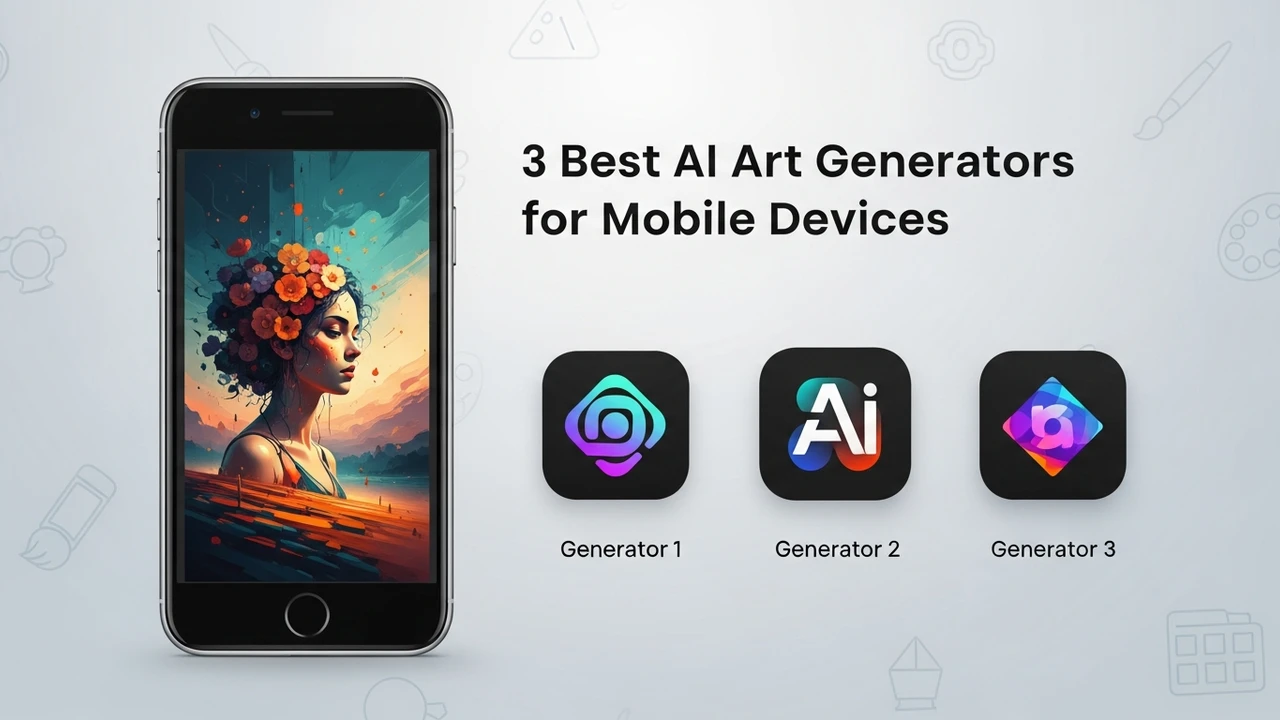
Create art on the go with the 3 best AI image generator apps for iOS and Android. Compare performance, features, and user interface design.
3 Best AI Art Generators for Mobile Devices
Ever felt that sudden spark of inspiration while you are stuck on a train or waiting for your coffee? We have all been there. In the past, you would need a bulky laptop and a high-end graphics tablet to bring those visions to life. But today, the power of generative AI fits right in your pocket. Mobile AI art generators have evolved from simple filters into sophisticated creative engines that can rival desktop software. Whether you are an iOS enthusiast or an Android power user, there is an app out there that can turn your text prompts into stunning visuals in seconds.
Top Rated AI Image Generator Apps for iOS and Android
When we talk about mobile AI art, we are looking for a balance between processing speed, prompt flexibility, and ease of use. You do not want to spend twenty minutes fiddling with settings when you just want to capture a fleeting idea. The best apps today offer intuitive interfaces that hide the complex neural network math behind simple sliders and text boxes. Let us dive into the top three contenders that are currently dominating the app stores.
First up is Dream by Wombo. This app is arguably the most popular entry point for mobile users. It is incredibly fast and offers a wide variety of artistic styles, from surrealism to street art. It is perfect for those who want to see results immediately without needing a degree in prompt engineering.
Next, we have StarryAI. This one is a bit more serious. It gives you more control over the AI model and the final output. It is great for users who want to experiment with different aspect ratios and specific artistic influences. It feels more like a professional tool that just happens to live on your phone.
Finally, there is Picsart AI. While it started as a photo editor, its AI integration is top-tier. It is not just about generating images from scratch; it is about blending AI into your existing photos. If you are a social media creator, this is likely the tool you will reach for most often.
Comparing Performance and Features of Mobile AI Tools
So, how do these apps actually stack up against each other? If you are looking for pure speed, Dream by Wombo wins hands down. It is optimized for quick generation, making it ideal for social media stories or quick mood boards. However, it can sometimes struggle with complex prompts that require specific spatial arrangements.
StarryAI, on the other hand, is the king of customization. It allows you to choose between different AI models, which is a huge plus if you are looking for a specific aesthetic. The trade-off is that it takes a bit longer to generate, and the interface can feel slightly cluttered for a complete beginner. But for those who care about the details, the extra wait is worth it.
Picsart is in a league of its own because it is a hybrid. It is not just a generator; it is a full-blown creative suite. You can generate an image, then immediately use the app’s built-in tools to add text, stickers, or filters. It is the most versatile option, though it might be overkill if you only want to generate simple images.
Pricing Models and Subscription Plans for AI Art Apps
Let us talk money. Most of these apps operate on a freemium model. Dream by Wombo offers a generous free tier, but you will have to deal with ads and slower generation times if you do not subscribe. Their premium plan usually sits around $9.99 per month, which unlocks faster speeds and exclusive styles.
StarryAI uses a credit system. You get a certain amount of free credits every day, which is great for casual users. If you run out, you can buy more or subscribe to a monthly plan, typically ranging from $11.99 to $15.99 depending on your usage needs. It is a fair system if you only generate art occasionally.
Picsart has a very robust subscription model, often called Picsart Gold. It is priced around $5 to $8 per month if billed annually. Given that you get access to a massive library of assets, fonts, and advanced editing tools alongside the AI generator, it is arguably the best value for money for serious content creators.
Real World Use Cases for AI Art on Mobile
Why would you use these on your phone instead of a PC? Think about travel blogging. You are in a beautiful location, but the lighting is off. You can use an AI tool to generate a background or an artistic overlay that matches the vibe of your trip instantly. Or maybe you are a student working on a presentation; you can generate custom icons and illustrations during your commute.
For social media managers, these tools are a lifesaver. Need a unique thumbnail for a TikTok video? Generate it in thirty seconds. Need a background for a quote post? Done. The ability to iterate on ideas while you are away from your desk is a massive productivity booster. It turns your phone into a portable studio that never sleeps.
The key is to treat these apps as partners in your creative process. They are not meant to replace your artistic vision but to amplify it. By experimenting with different prompts and styles on the go, you will find that your creative output increases significantly. Just keep your phone charged, because once you start playing with these tools, you might find yourself lost in a world of AI-generated possibilities for hours on end.
:max_bytes(150000):strip_icc()/277019-baked-pork-chops-with-cream-of-mushroom-soup-DDMFS-beauty-4x3-BG-7505-5762b731cf30447d9cbbbbbf387beafa.jpg)