5 Best AI Music Generators for Creators
Create royalty-free music with the 5 best AI music generators. Compare genres, customization options, and licensing for your creative projects.
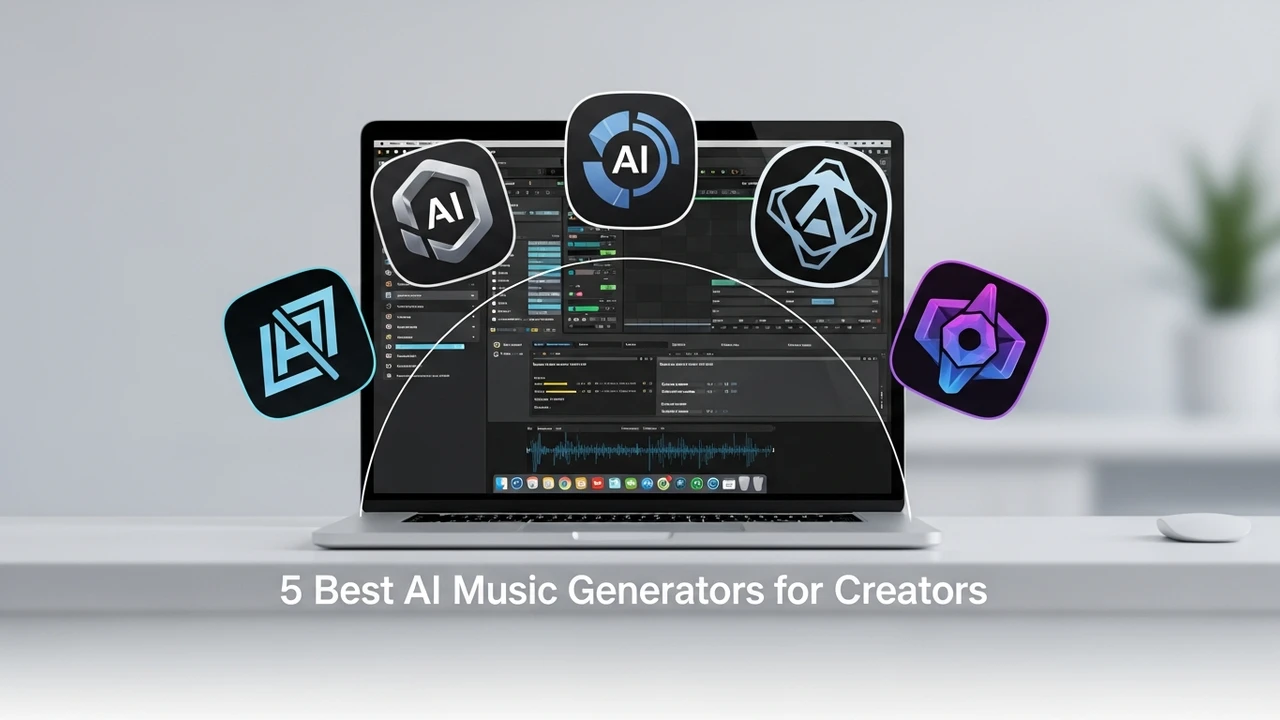
5 Best AI Music Generators for Creators
Create royalty-free music with the 5 best AI music generators. Compare genres, customization options, and licensing for your creative projects.
If you have ever spent hours scrolling through stock music libraries only to find that nothing quite fits the mood of your video, you are not alone. The rise of AI music generation has completely changed the game for content creators, filmmakers, and indie game developers. Instead of paying hefty licensing fees or settling for generic tracks, you can now generate custom, high-quality audio in seconds. Let’s dive into the best tools currently available to help you level up your sound design.
Top AI Music Generation Tools for Professional Creators
When we talk about AI music, we are looking for three things: ease of use, creative control, and commercial licensing. Not all tools are built the same. Some are designed for quick background tracks, while others offer deep control over instrumentation and arrangement. Here are the top contenders that are currently dominating the market.
First up is Suno AI. This tool has taken the internet by storm because of its ability to generate full-length songs with vocals that sound incredibly human. Whether you need a pop anthem for a TikTok video or a lo-fi beat for a study stream, Suno handles it with ease. You simply type in a prompt, and it spits out two variations. It is perfect for creators who need a quick, catchy hook without needing a degree in music theory.
Next is Udio. If you are looking for high-fidelity audio that sounds like it was recorded in a professional studio, Udio is your best bet. It excels at complex genres and offers a level of sonic clarity that is hard to beat. It is particularly popular among producers who want to experiment with unique soundscapes or specific sub-genres that are usually hard to find in stock libraries.
Comparing AI Music Platforms and Pricing Models
Choosing the right tool depends heavily on your budget and your specific project needs. Let’s break down how these platforms compare in terms of cost and functionality.
Suno AI operates on a credit-based system. You can get started for free, but if you want to use the music for commercial projects, you will need a Pro or Premier subscription. These plans typically range from $10 to $30 per month, which is a steal compared to hiring a session musician. Udio follows a similar structure, offering a generous free tier for testing, but locking the commercial rights behind their paid tiers.
Then there is Soundraw, which is a bit different. Unlike the generative models that create songs from scratch, Soundraw is more of a customization engine. You pick a mood, a genre, and a length, and then you can tweak the individual instruments. This is fantastic for video editors who need to sync the music to specific cuts in their footage. It is priced around $16.99 per month for unlimited downloads.
Practical Use Cases for AI Generated Audio
So, where can you actually use this stuff? The applications are endless. For YouTubers, AI music is a lifesaver for avoiding copyright strikes. You can generate a unique background track that no one else has, ensuring your content stays monetized. For game developers, AI tools allow you to create dynamic soundtracks that change based on the player's environment without needing a massive budget for a composer.
Another huge use case is podcasting. Finding the right intro and outro music is a pain, but with tools like AIVA, you can generate royalty-free themes that perfectly match the tone of your show. AIVA is unique because it allows you to export MIDI files, meaning you can take the AI-generated melody and edit it further in your favorite DAW like Ableton or Logic Pro. This gives you the best of both worlds: the speed of AI and the precision of manual editing.
Tips for Getting the Best Results from AI Music Tools
The secret to great AI music is all in the prompt. If you just type 'happy music,' you are going to get something very generic. Instead, try to be specific about the instrumentation, the tempo, and the vibe. For example, try 'upbeat synth-pop, 120 BPM, bright piano chords, energetic drums, cinematic build-up.' The more detail you provide, the better the AI can interpret your vision.
Also, do not be afraid to iterate. Most of these tools allow you to 'extend' or 'remix' a track. If you like the first 30 seconds of a song but the ending feels off, use the extension feature to guide the AI in a different direction. It is a collaborative process, and the more you play with the settings, the more you will understand how to get exactly what you need for your next big project.
:max_bytes(150000):strip_icc()/277019-baked-pork-chops-with-cream-of-mushroom-soup-DDMFS-beauty-4x3-BG-7505-5762b731cf30447d9cbbbbbf387beafa.jpg)