5 Best AI Tools for Audio Restoration
Restore damaged audio with the 5 best AI tools. Learn how to fix clicks, pops, and hiss in your old recordings.
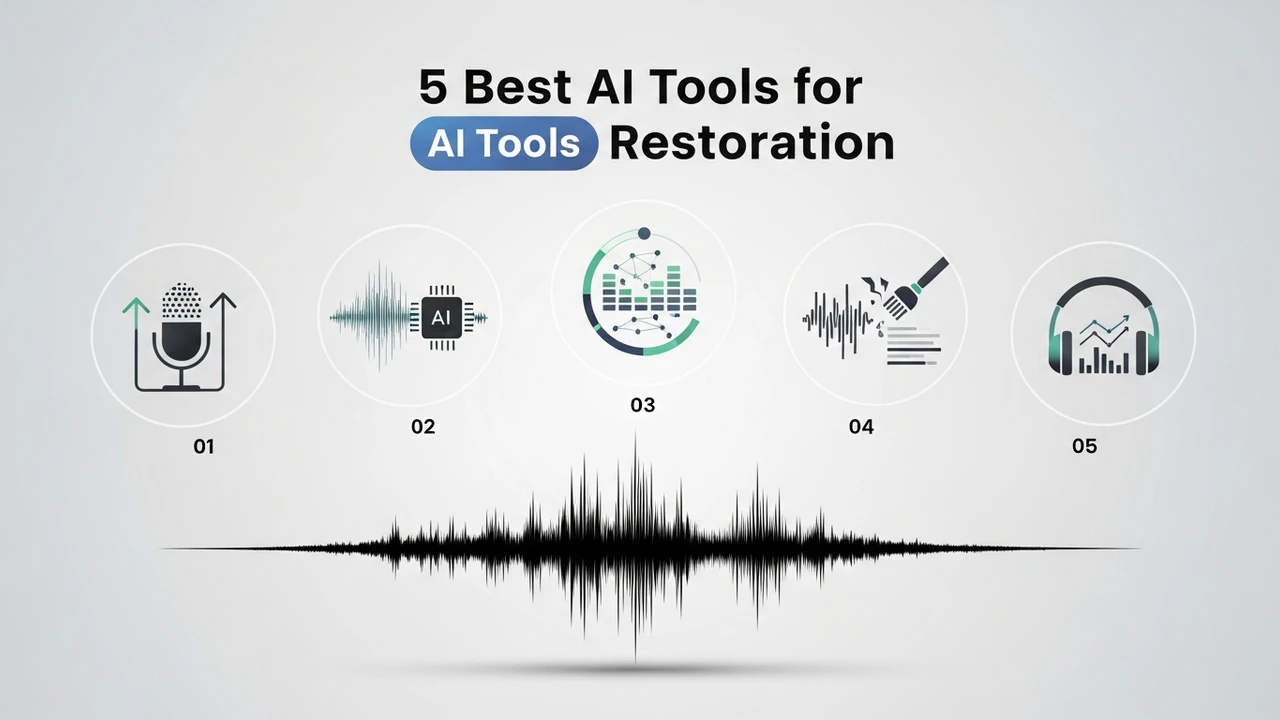
Restore damaged audio with the 5 best AI tools. Learn how to fix clicks, pops, and hiss in your old recordings.
5 Best AI Tools for Audio Restoration
We have all been there. You record a perfect interview, a beautiful podcast segment, or a nostalgic family video, only to realize later that the audio is plagued by background hiss, annoying clicks, or that dreaded wind noise. In the past, fixing this required a degree in sound engineering and hours of tedious manual editing. Today, thanks to the rapid evolution of AI, you can clean up your audio in seconds. Let’s dive into the best tools available right now to save your precious recordings.
Top AI Audio Restoration Software and Plugins
When it comes to professional-grade audio restoration, a few names consistently rise to the top. These tools leverage deep learning models trained on thousands of hours of clean and noisy audio to intelligently separate the signal from the noise.
1. Adobe Podcast Enhance
This is arguably the most accessible tool for beginners. It uses AI to make your recordings sound like they were captured in a professional studio. It is incredibly simple: you upload your file, and the AI does the heavy lifting. It is perfect for podcasters who record in less-than-ideal environments.
2. iZotope RX 10
If you are looking for the industry standard, this is it. RX 10 is a powerhouse. It features a 'Repair Assistant' that automatically detects clicks, pops, and hums. It is the go-to for post-production professionals working on films and high-end music.
3. Auphonic
Auphonic is a web-based service that excels at leveling and noise reduction. It is fantastic for batch processing, making it a favorite for creators who have dozens of episodes to clean up at once.
4. Waves Clarity Vx
This plugin uses neural networks to remove noise in real-time. It is a game-changer for live streamers and video editors who need to clean up dialogue without introducing artifacts.
5. Acon Digital Restoration Suite
This suite offers a more surgical approach. It is excellent for removing specific types of noise like vinyl crackle or tape hiss, giving you granular control over the restoration process.
Comparing AI Audio Restoration Features and Use Cases
Choosing the right tool depends heavily on your specific needs. If you are a podcaster, Adobe Podcast or Auphonic will likely be your best friends because they prioritize speech clarity. If you are a music producer or a film editor, iZotope RX 10 is worth the investment because it offers surgical precision that the simpler tools lack.
For instance, if you have a recording with a lot of 'mouth clicks' or 'plosives,' iZotope’s dedicated modules are far superior to the 'one-click' solutions found in web-based apps. However, if you are just trying to remove the hum of an air conditioner from a Zoom call, Adobe Podcast is faster and often produces a more natural-sounding result for dialogue.
Pricing and Accessibility for AI Audio Tools
Pricing varies wildly across the board. Adobe Podcast currently offers a generous free tier, making it the best starting point for most people. Auphonic offers a 'pay-as-you-go' model, which is great if you don't have a consistent volume of work. On the other hand, iZotope RX 10 is a premium product, often costing several hundred dollars, though they do offer 'Elements' versions that are much more affordable for hobbyists.
Waves Clarity Vx is typically sold as a perpetual license or via a subscription model, which is common for professional audio plugins. When you are shopping, always check if the tool is a standalone application or a plugin that requires a DAW (Digital Audio Workstation) like Audacity, Adobe Audition, or Logic Pro. If you are not a sound engineer, stick to standalone apps like Adobe Podcast or Auphonic to avoid the steep learning curve of professional audio software.
Practical Tips for Getting the Best Results
Even the best AI can't work miracles if the source audio is completely destroyed. Always try to record in the quietest environment possible. When using these tools, don't over-process. It is tempting to crank the 'noise reduction' slider to 100%, but this often results in a 'watery' or 'robotic' sound. Aim for a balance where the noise is gone, but the natural texture of the voice remains. Always listen to your restored audio on different devices—headphones, laptop speakers, and your phone—to ensure the AI hasn't introduced any weird artifacts that might distract your listeners.
:max_bytes(150000):strip_icc()/277019-baked-pork-chops-with-cream-of-mushroom-soup-DDMFS-beauty-4x3-BG-7505-5762b731cf30447d9cbbbbbf387beafa.jpg)