3 Best Free AI Image Generators for Beginners
Looking for free AI art tools? Explore our list of the 3 best free AI image generators perfect for beginners and hobbyists starting their creative journey.
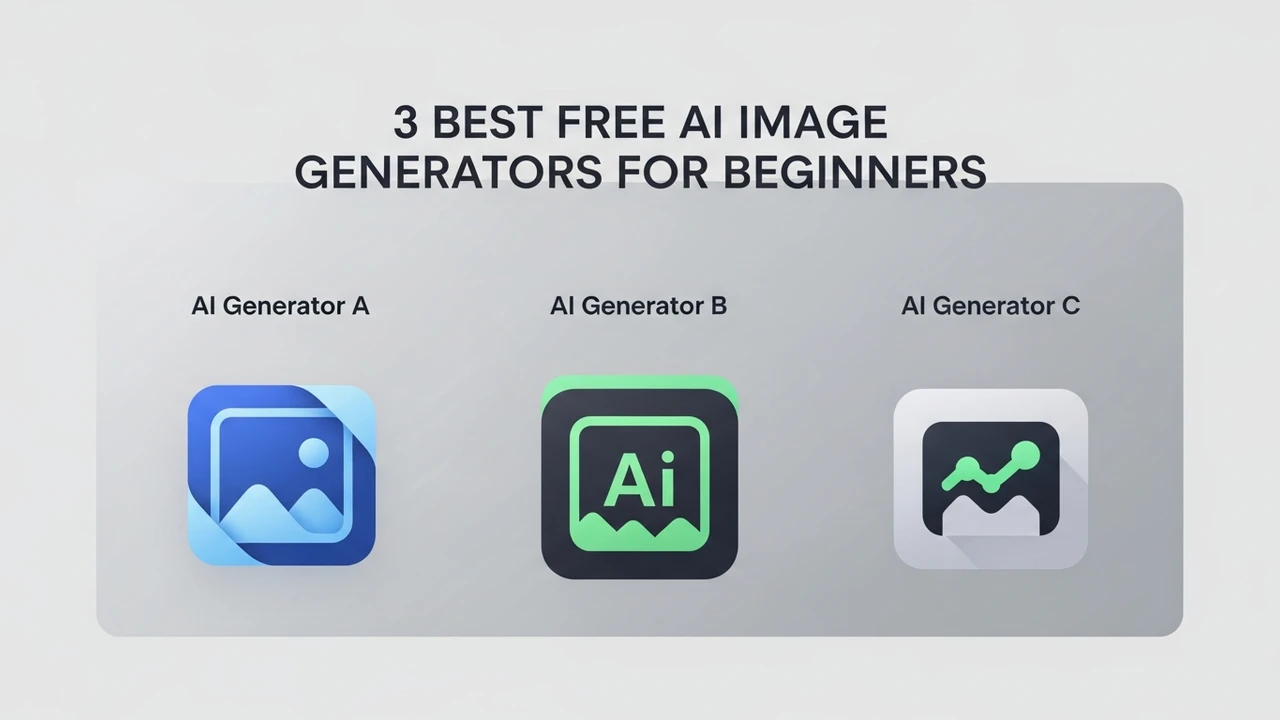
3 Best Free AI Image Generators for Beginners
Looking for free AI art tools? Explore our list of the 3 best free AI image generators perfect for beginners and hobbyists starting their creative journey.
Why Beginners Should Start with Free AI Image Generators
If you have ever scrolled through social media and wondered how people are creating those stunning, surreal, or hyper-realistic images, you are likely looking at the work of AI image generators. For a beginner, the world of artificial intelligence can feel overwhelming. You hear terms like 'latent diffusion models,' 'prompt engineering,' and 'GPU rendering,' and suddenly, you feel like you need a degree in computer science just to make a picture of a cat wearing a space suit. The good news is that you don't. There are several powerful, user-friendly, and completely free AI image generators that allow you to dive right into the creative process without spending a dime.
Top 3 Free AI Image Generators for Creative Projects
When we talk about 'free,' we usually mean 'freemium.' Most of these tools offer a generous daily allowance of free credits. Here are the three best options for those just starting out.
1 Microsoft Designer Image Creator
Microsoft Designer, powered by DALL-E 3, is arguably the most accessible tool for anyone with a Microsoft account. It is incredibly intuitive. You simply type what you want to see, and it generates four variations. It is excellent for beginners because it handles complex prompts very well, meaning you don't need to be a master of technical jargon to get a great result.
2 Adobe Firefly Web App
Adobe Firefly is a game-changer because it was trained on Adobe Stock images, making it ethically sourced and incredibly high-quality. The web interface is clean and simple. You get a set of monthly generative credits for free, which is plenty for a hobbyist. It is particularly good at photorealistic textures and clean, professional-looking graphics.
3 Leonardo AI
Leonardo AI is the 'pro' choice that still offers a fantastic free tier. It gives you 150 tokens every single day, which resets every 24 hours. This is a massive amount of freedom for a beginner. Leonardo allows you to choose different 'models'—some are better for anime, some for 3D renders, and some for oil paintings. It is the perfect place to grow your skills as you get more comfortable with AI art.
Comparing Features and Use Cases for AI Art Tools
Choosing the right tool depends on what you want to create. If you are making social media posts, Microsoft Designer is your best friend. If you are looking for high-end artistic control, Leonardo AI is the way to go. Adobe Firefly sits in the middle, offering a polished experience that feels like a professional design suite. While Microsoft Designer is great for quick, fun images, Leonardo AI offers 'Image Guidance,' which lets you upload a sketch and have the AI turn it into a finished piece. This is a feature usually reserved for paid software, but Leonardo gives you a taste of it for free.
Pricing Models and Free Tier Limitations
It is important to understand how these companies make money. Microsoft Designer is free to encourage you to use the Bing ecosystem. Adobe Firefly uses a credit system; once you run out, you have to wait for the next month or upgrade to a Creative Cloud subscription. Leonardo AI is the most generous with its daily token reset, but if you want to generate images faster or use their most advanced models, they have paid tiers starting at around $10 per month. For most beginners, the free tiers are more than enough to learn the ropes and create hundreds of images before ever needing to pull out a credit card.
Tips for Getting Started with AI Image Prompts
The secret to great AI art is the prompt. Don't just type 'a dog.' Try 'a golden retriever sitting in a field of sunflowers, cinematic lighting, 8k resolution, vibrant colors.' The more descriptive you are, the better the AI understands your vision. Experiment with different styles like 'cyberpunk,' 'watercolor,' or 'minimalist.' The best part about these free tools is that you can fail a hundred times without it costing you anything. Every 'bad' image is just a lesson in how to talk to the AI better. Keep experimenting, keep tweaking your prompts, and you will be surprised at how quickly your creative output improves.
:max_bytes(150000):strip_icc()/277019-baked-pork-chops-with-cream-of-mushroom-soup-DDMFS-beauty-4x3-BG-7505-5762b731cf30447d9cbbbbbf387beafa.jpg)